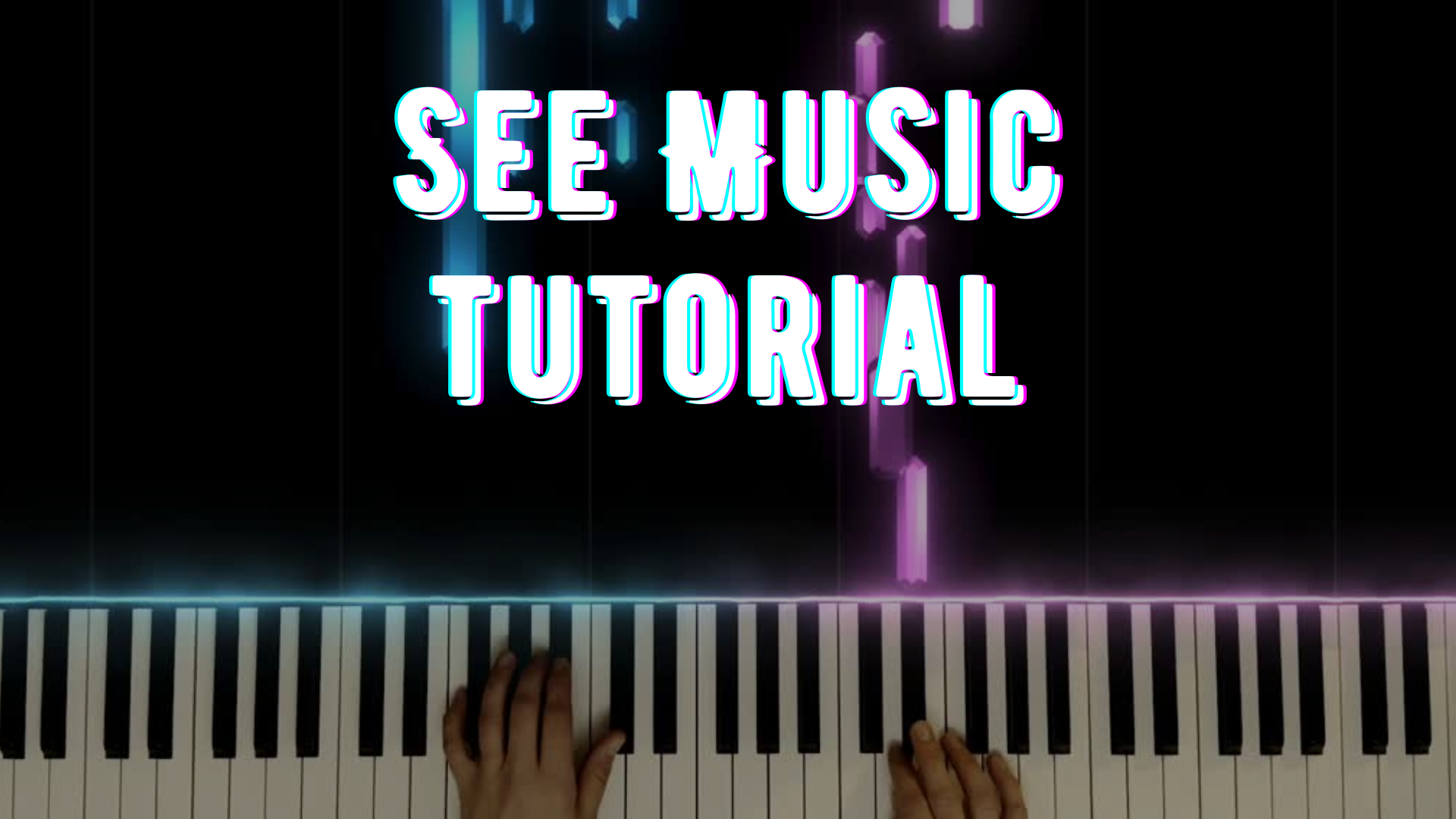
If you have ever wondered how to create those beautiful animated piano videos on YouTube — the ones where colourful notes move in real time with the music — you are not alone. I wanted to give my students and audience something more engaging than a static score or sheet music, so I started exploring SeeMusic. Since then, it has become one of my favourite tools for creating polished and visually engaging music content.
In this tutorial, I walk you through the process of creating a piano visualizer video using SeeMusic. Whether you are a music educator, content creator, pianist, or musician looking for a more professional way to showcase your playing, this tool is an excellent option.
What You Will Learn in This SeeMusic Tutorial
In the video, I show you how to:
- record directly in the SeeMusic app
- customize colours, particle effects, and keyboard layout
- sync the visualizer with your performance
- render a smooth and professional-looking video
- add intro text, outro text, or simple branding elements
By the end of the tutorial, you will have a clearer idea of how to create your own music visualizer videos in a way that looks clean, engaging, and professional.
Why Use SeeMusic?
SeeMusic makes it much easier to create visuals that help students and viewers connect what they hear with what they see. As a result, it can be a powerful tool for both teaching and content creation.
It is especially useful for:
- YouTube tutorials
- play-along videos for students
- online music lessons
- practice support with a visual guide
- promoting your own arrangements or compositions
Whether you are a teacher looking to improve your resources or a performer building an online presence, SeeMusic can help your videos stand out.
Who This Tutorial Is For
This tutorial is a great fit for:
- piano teachers
- music educators
- YouTube creators in music education
- pianists sharing covers or arrangements
- musicians who want more polished visual content
Even if you are completely new to music visualizer software, this walkthrough will help you get started with confidence.
Watch the Full Tutorial
You can watch the full tutorial here: Lessons With Shana – SeeMusic Tutorial
If you enjoy this kind of content, be sure to subscribe to my channel for more videos on music education, piano, singing, and creative teaching tools.
Final Thoughts
Creating music visualizer videos does not have to be complicated. With the right tool and a simple workflow, you can turn your performances into engaging visuals that are both educational and visually impressive.
If you have been curious about how to make animated piano videos with SeeMusic, this tutorial is a great place to start.
And don’t forget to subscribe to my channel if you want more content like this!
If you also use video as a teaching tool, you may enjoy reading Free Music Theory Lessons on YouTube for Beginners, where I share another way to make music concepts more visual and accessible.
Looking for more music teaching resources? Visit my Teachers Pay Teachers store for printable lessons, assignments, and activities for music educators.



Leave a Reply